


The Two-Way Sync
Transport Pro's QBO integration keeps both systems in sync automatically, so you never have to manually re-enter billing or payment data.
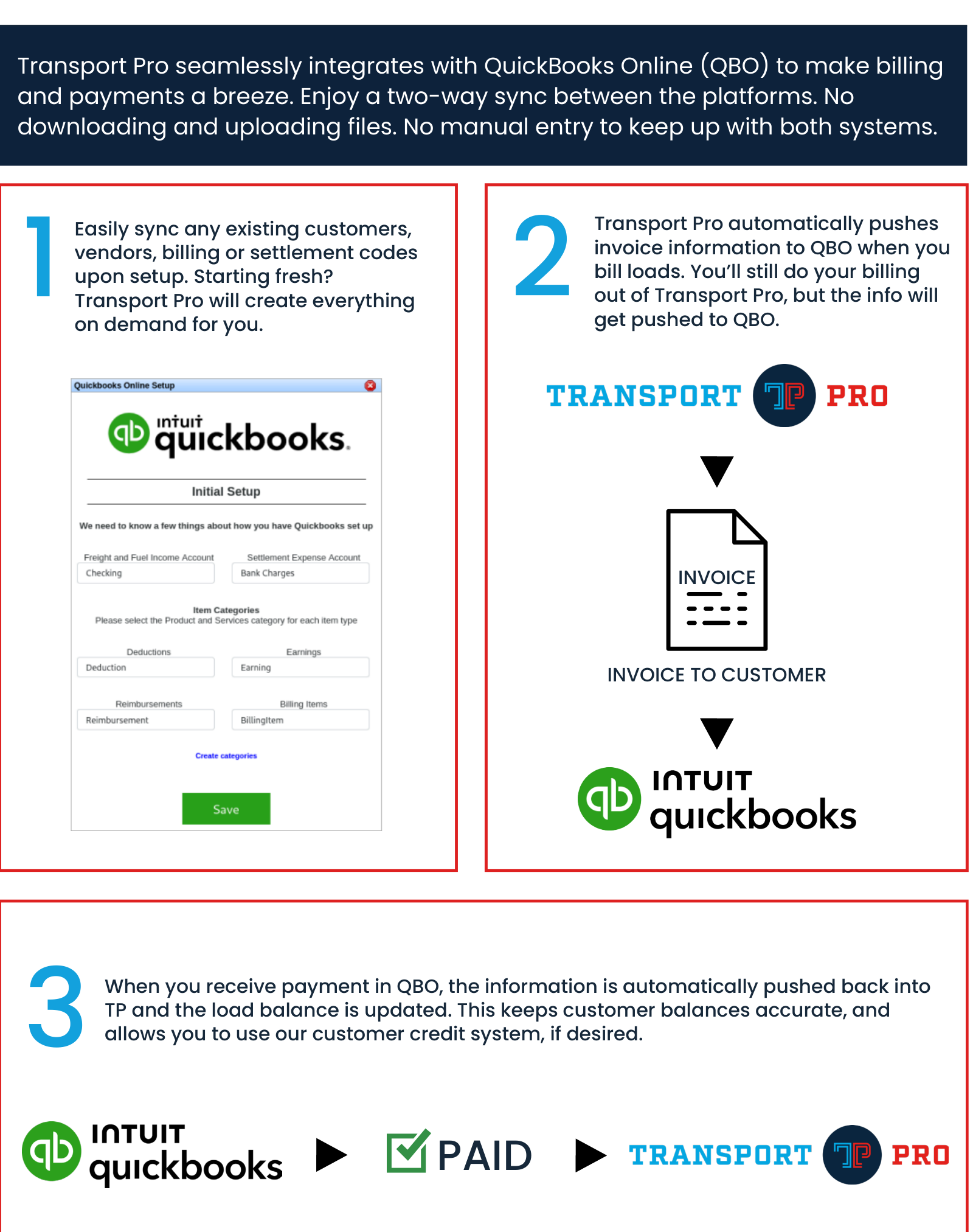
On setup, Transport Pro can easily sync any existing customers, vendors, billing codes, or settlement codes. Starting fresh instead? Transport Pro creates everything on demand for you as you bill.
Invoices and Payments
Transport Pro automatically pushes invoice information to QBO when you bill loads. You'll still do all of your billing out of Transport Pro—the info is simply pushed to QBO behind the scenes.
When you receive payment in QBO, that information is automatically pushed back into Transport Pro and the load balance is updated. This keeps customer balances accurate and lets you continue using the Transport Pro customer credit check system, if desired. See the Cash Receipts guide for more on how payments apply against open invoices.
Vendor Pay and Reports
When you process pay for carriers or owner-operators, that payment information is automatically pushed to QBO as vendor pay, where you can submit true payment however you wish (check, ACH, etc.).
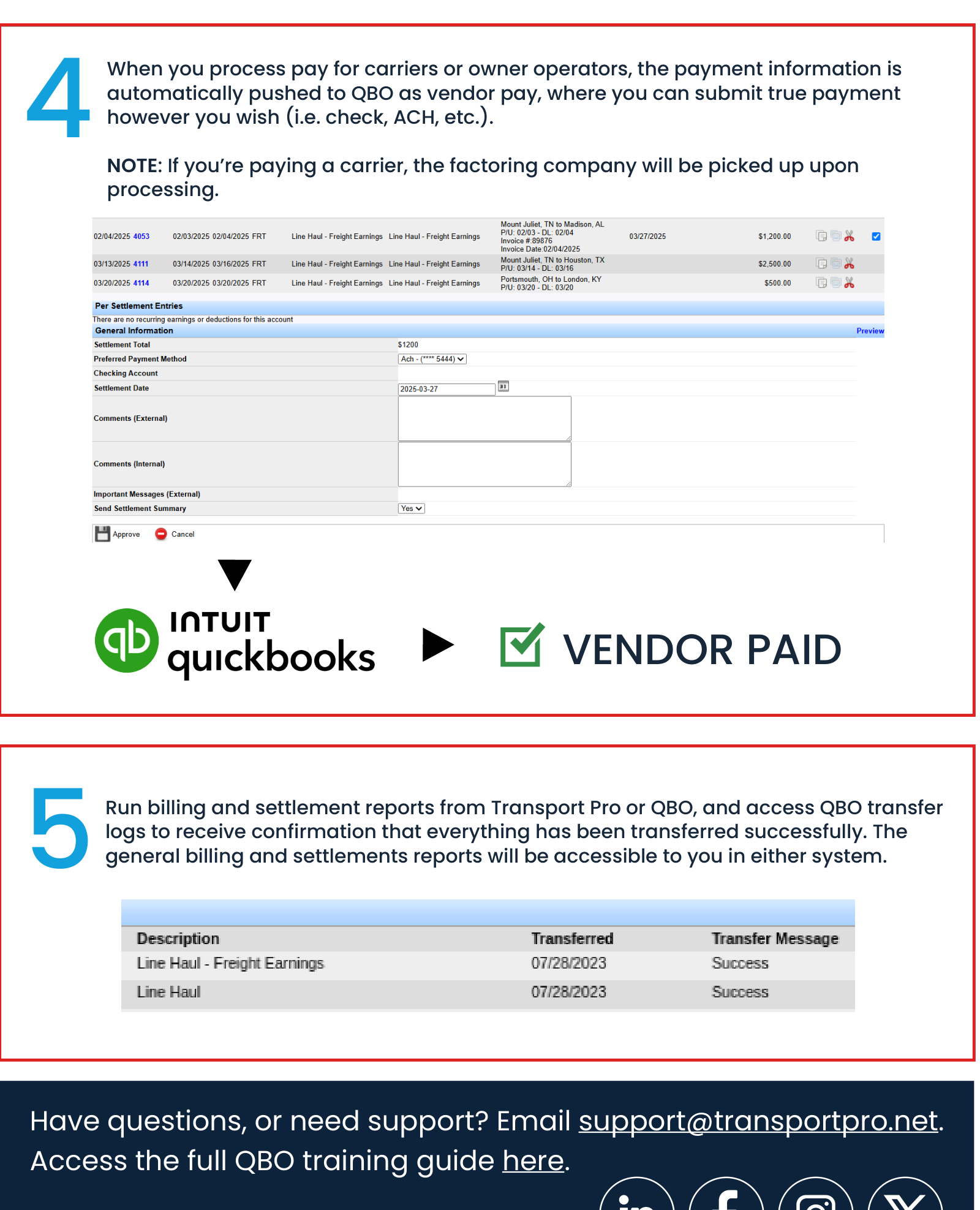
Note: If you're paying a carrier through a factoring company, the factoring company is picked up automatically upon processing.
Run billing and settlement reports from either Transport Pro or QBO, and access QBO transfer logs to confirm everything has transferred successfully. General billing and settlement reports are accessible in either system.
Ready to connect QuickBooks Online, or need help with an existing sync? See the full QuickBooks Online setup guide, or contact support@transportpro.net.