


Add a Split Dispatch / Team Drivers
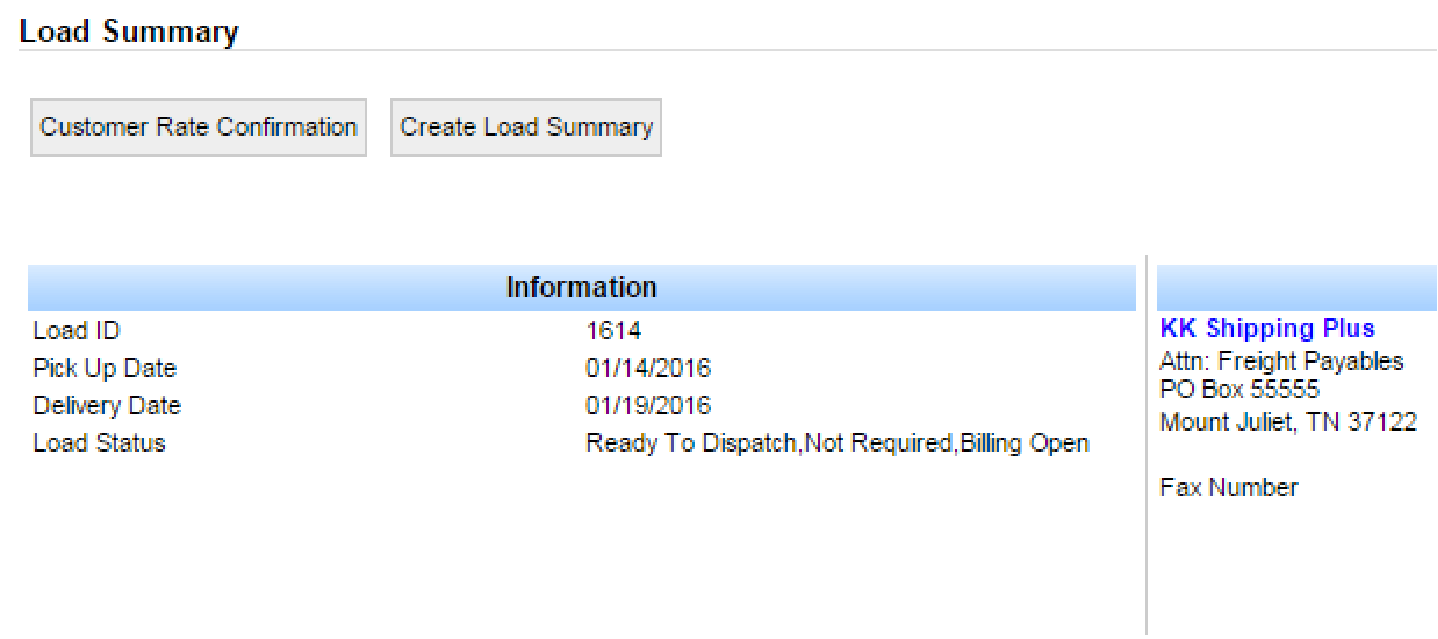
- Open the load on the Load Summary screen.
- Scroll to Dispatch History and click + Add Dispatch.
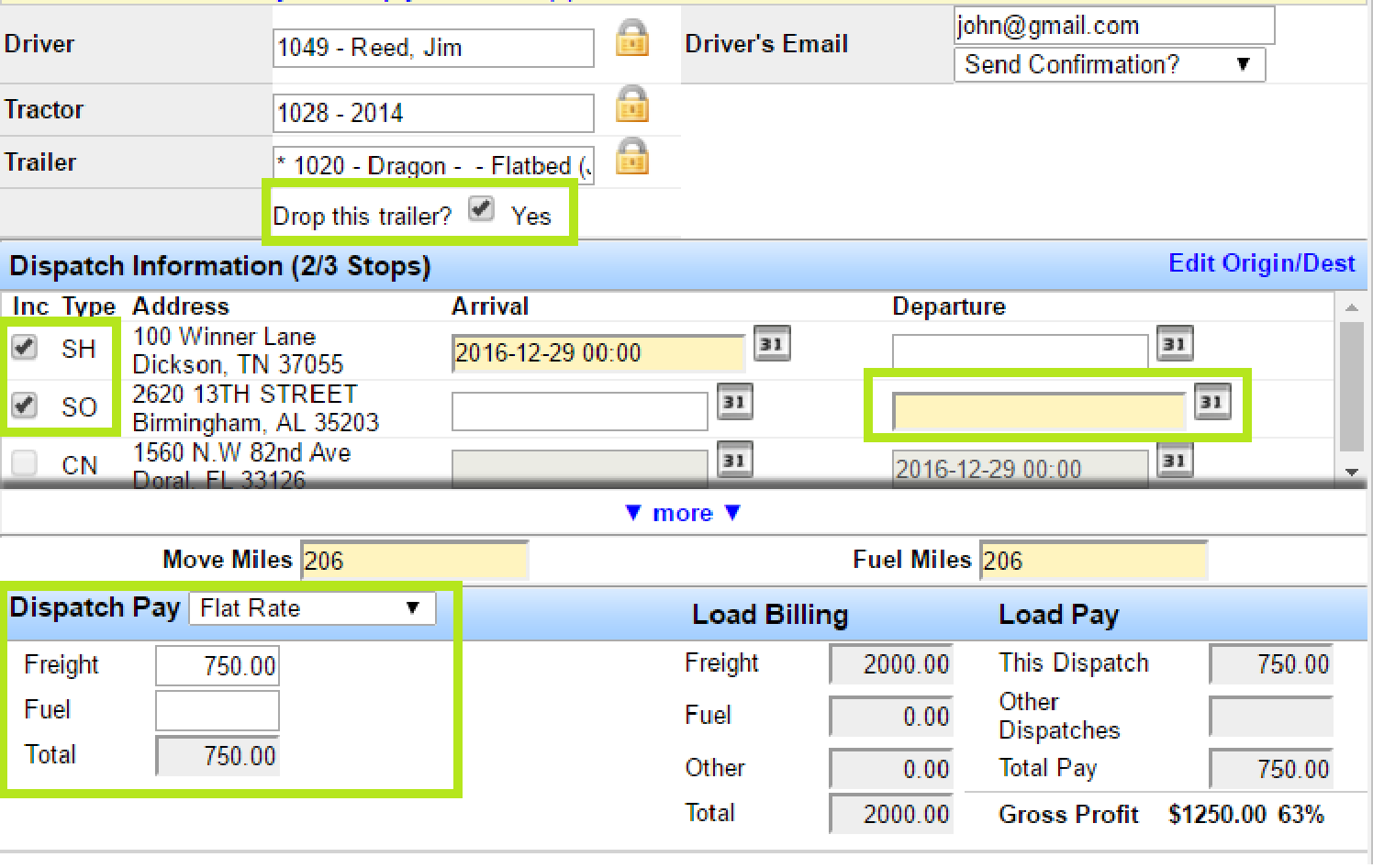
- In Edit Dispatch, enter information for driver A. If driver A drops the trailer for driver B, check Drop this trailer?
- In Dispatch Information, check the correct origin and destination stops for this leg. For example, driver A may run origin to a stopoff and drop the trailer there.
- Fill all yellow (required) date fields, then click Save.
Note: To split payment between drivers, flat rating is strongly recommended. If you normally pay a percentage, convert each driver’s share to a flat amount. Flat rating is especially easier when more than two dispatches are on the load.
Add the Second Leg
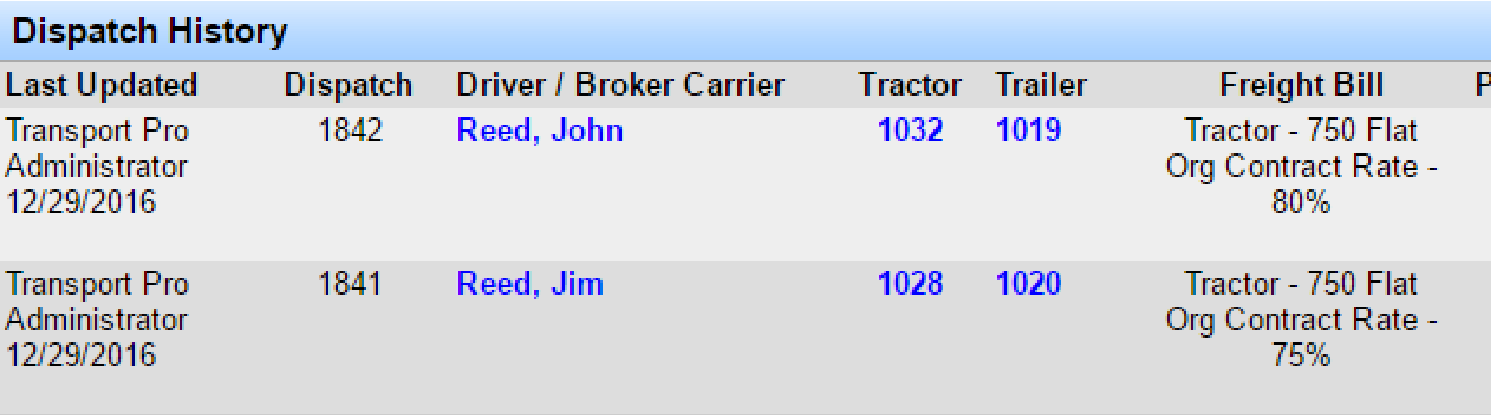
After the first leg appears in Dispatch History, click + Add Dispatch again for driver B.
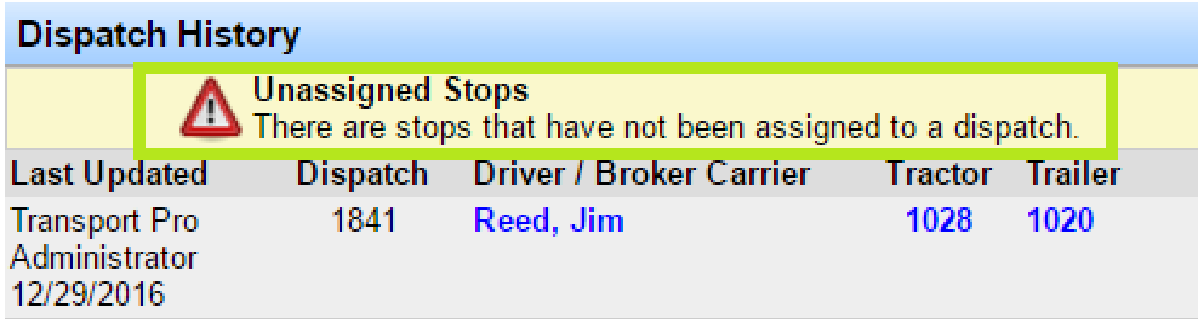
Note: After the first leg, a yellow warning may appear in Dispatch History because only part of the route is covered (for example origin and stopoff). That warns you still need to move the load from the stopoff to the consignee. The warning clears after you add the second leg.

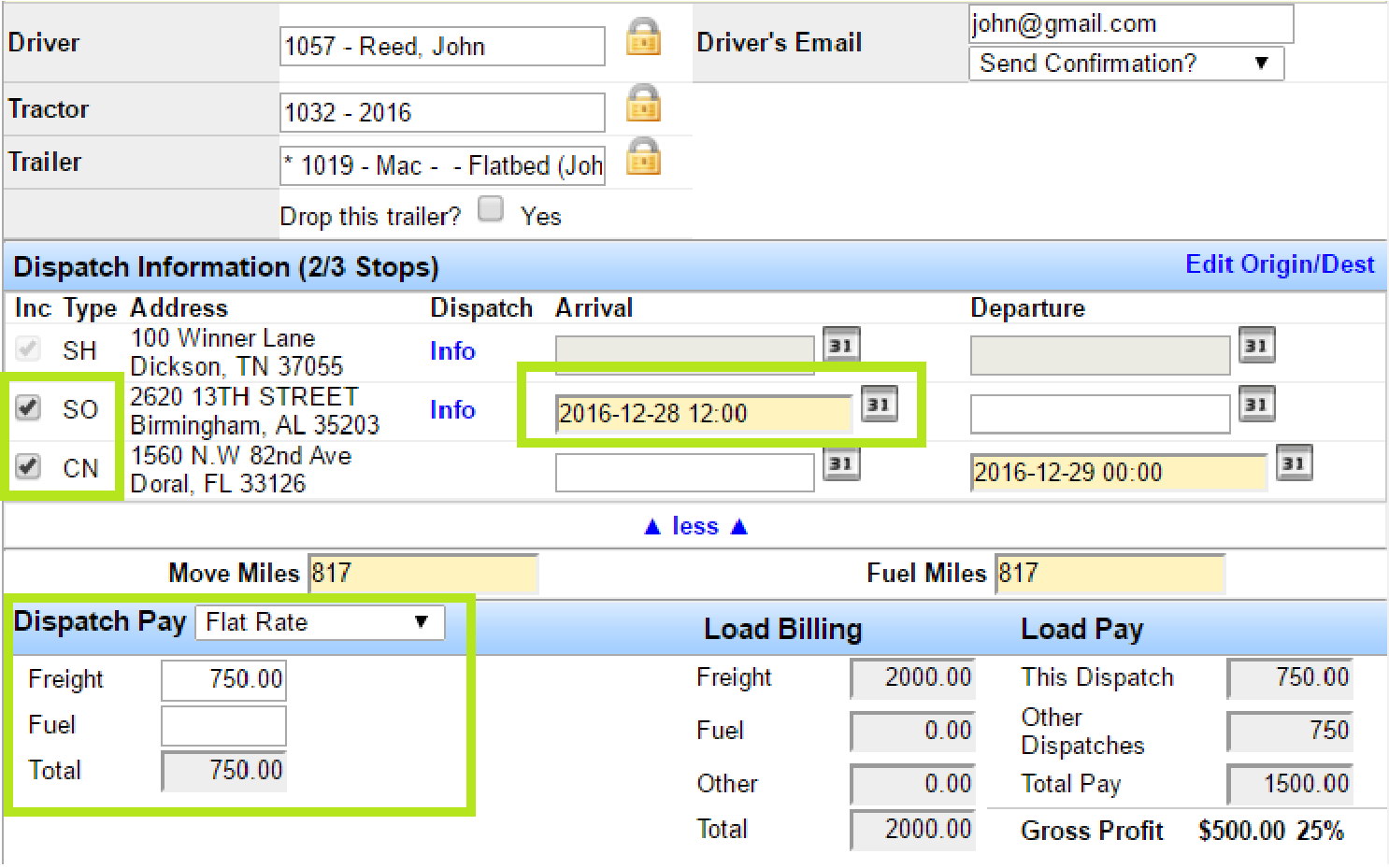
Enter driver B’s information. The system should auto-check the remaining locations (for example stopoff to consignee). Flat-rate pay is recommended again. Complete required yellow fields and save. Both legs then appear in Dispatch History.
Pay Notes for Split Loads
Flat rate gives the most flexibility to split freight and fuel between trucks. If you pay by percentage or per mile with multiple dispatches, the system divides not only freight but also accessorials (fuel, detention, and so on) by the number of dispatches. For example, two dispatches divide the total by two.