
Add a Recurring Settlement
Go to Settlements > Recurring Settlements > Add Recurring Settlement (menu path may vary slightly by installation).
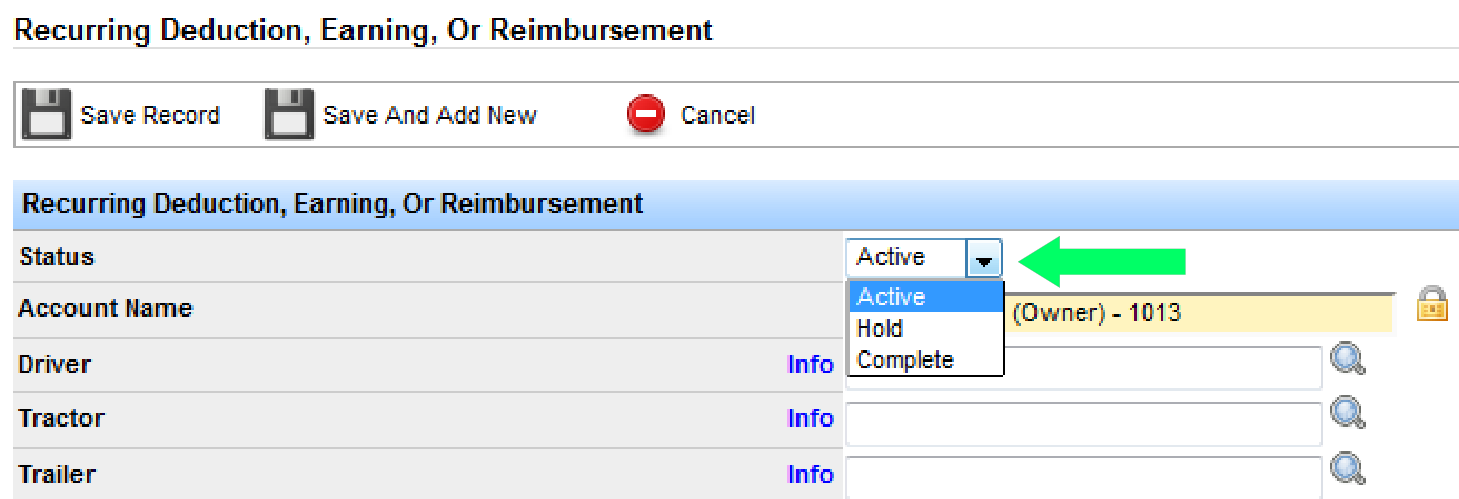
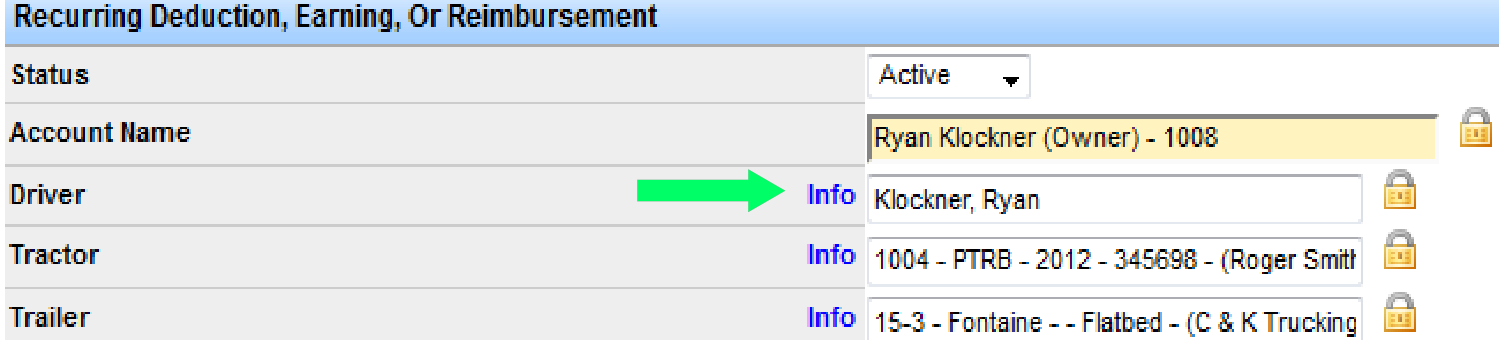
- Status: Active (running), Hold, or Complete (finished).
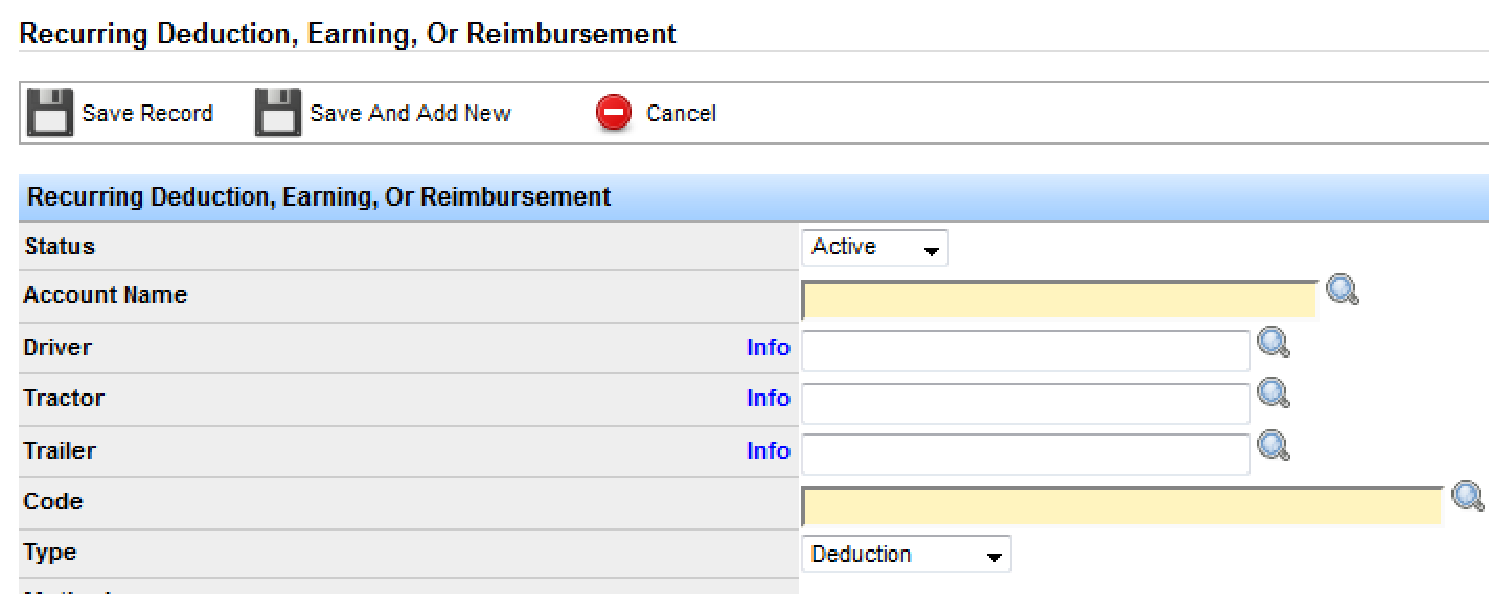
- Account Name: Required—the driver or account receiving the deduction, earning, or reimbursement. Existing accounts autocomplete as you type.
- Driver / Tractor / Trailer: Optional. Useful for fleet owners (settlements split by tractor) or insurance tied to a tractor. For a single owner-operator who slip seats, omit the truck so you do not have to update it when equipment changes.
- Code: Settlement code that appears on the settlement. Must already exist (see billing and settlement codes). The code’s rate drops in and can be overridden.
- Type: Deduction, earning, or reimbursement.
- Create initial entry?: Check to push through immediately. Available only before the first save.
- Rate: Flat rate, or percentage when recurrence is Per Settlement (Gross) or Pay Per Settlement (Net).
- Cap amount: Optional maximum (for example stop deductions after a $1,500 loan is repaid).
- Start date: When the recurrence begins. Recurrences are not retroactive—if you enter after the start date, check Create initial entry to push the first occurrence.
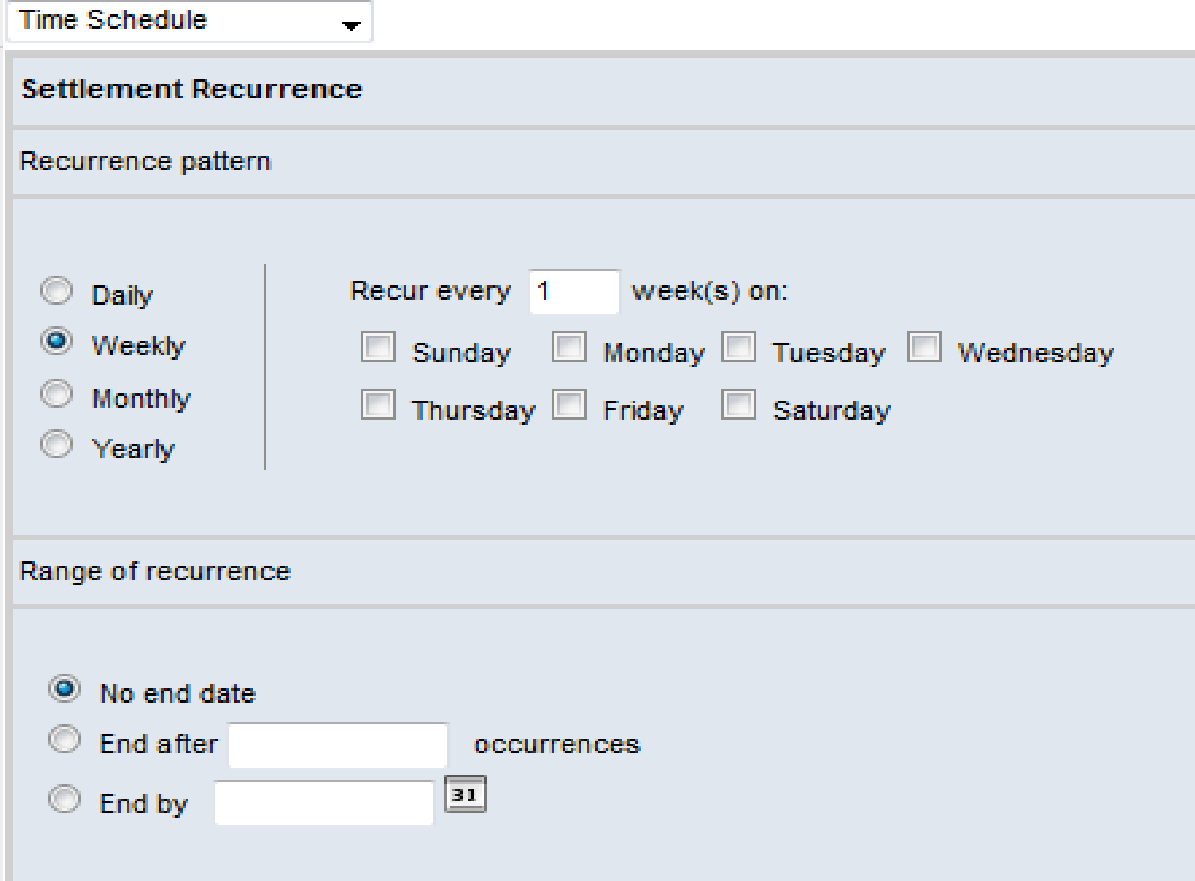
- Recurrence pattern: Time schedule (daily/weekly/monthly/yearly with end date or occurrence count), per load, or per settlement.
- Comments: Optional internal or external notes.

If you do not need a companion code, click Save Record.
Add a Companion Code
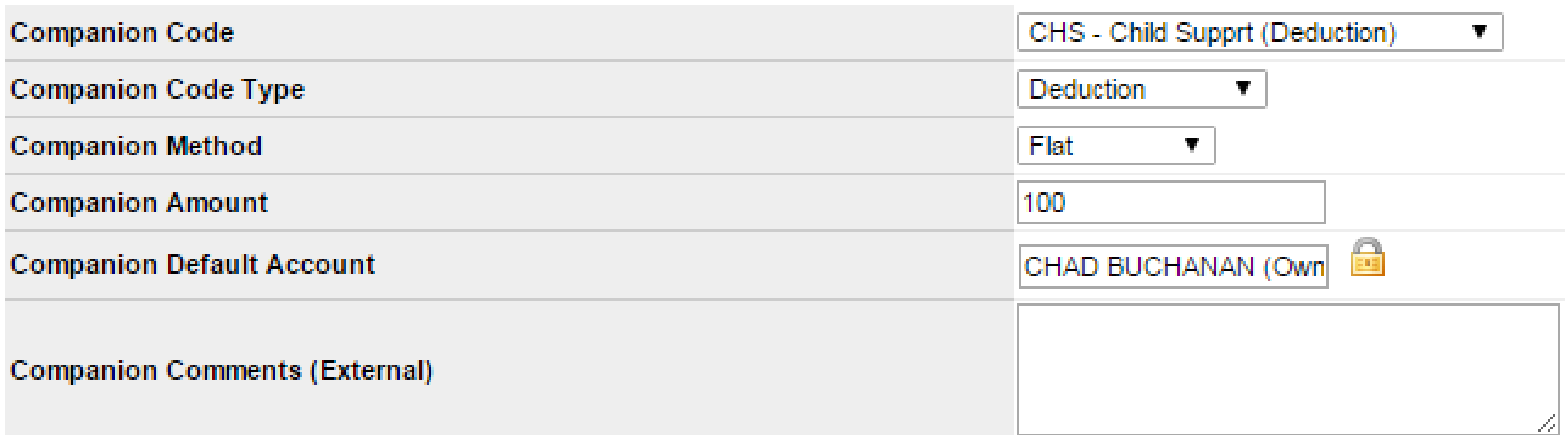
Companion codes are optional and typically used for garnishments—for example a $100 weekly deduction with a matching $100 reimbursement showing payment to the IRS.
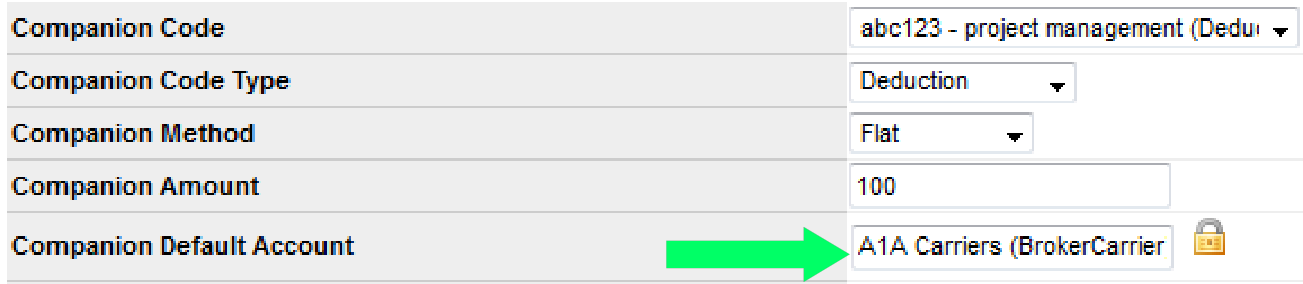
- Companion Code: Must already exist as a settlement code.
- Companion Code Type: Deduction, earning, or reimbursement.
- Companion Method: Flat or percentage.
- Companion Amount: Amount for the companion entry.
- Companion Default Account: Driver or vendor (for example IRS). Add vendors under Settlements > Settlement Vendors > Add New Vendor if needed.
Click Save Record when finished.
Search Recurring Settlements
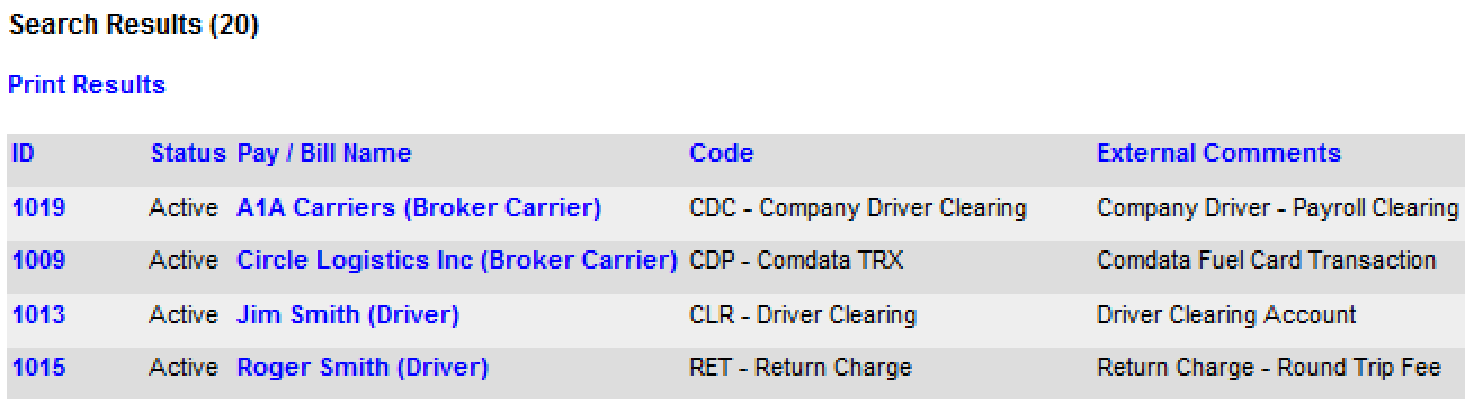
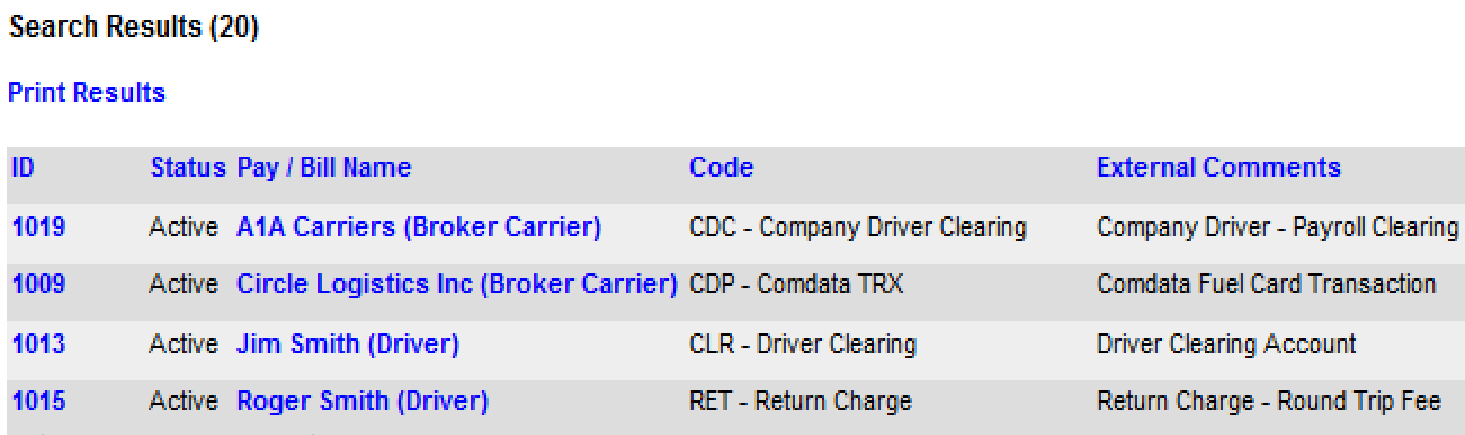
Go to Settlements > Recurring Settlements > Search Recurring Settlements. Enter criteria (account name, settlement code, and so on) and click Search. Open the ID to edit the recurrence, or use the Status Pay/Bill Name link to open the related profile.