


Share Electronic Rate Confirmations & Request eSignature
Electronic rate confirmations are sent to carriers from the dispatch record. First, make sure a valid email address is entered on the dispatch form for the carrier.
Select the confirmation type you want to send: Rate Confirmation and Dispatch Info or Rate Confirmation Only. Then check Yes, request digital signature. Once everything looks correct, click Save Dispatch to send the confirmation.
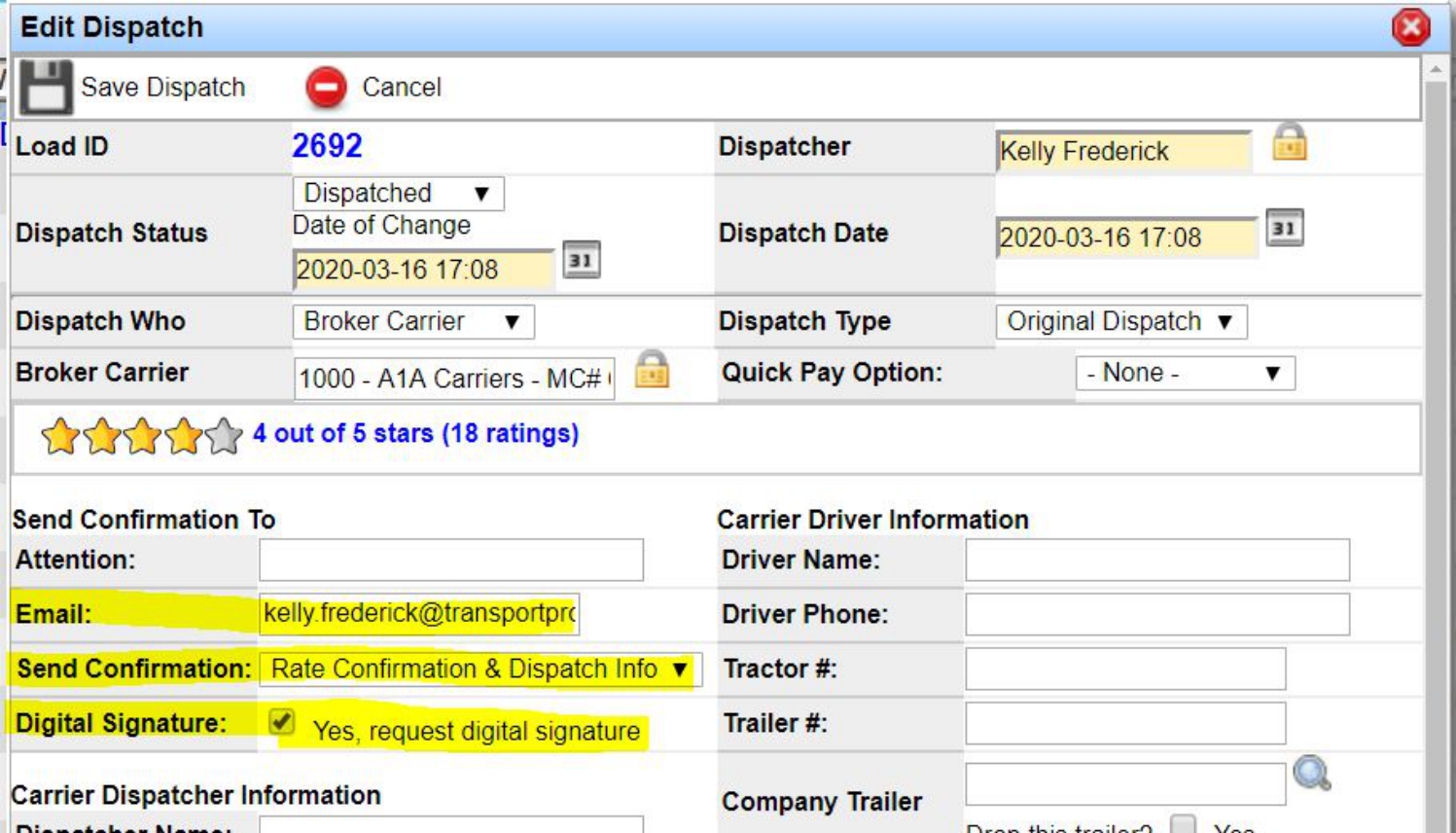
Note: The eSignature request email comes from the dispatcher who sent the confirmation—the system uses that user's profile in Transport Pro.
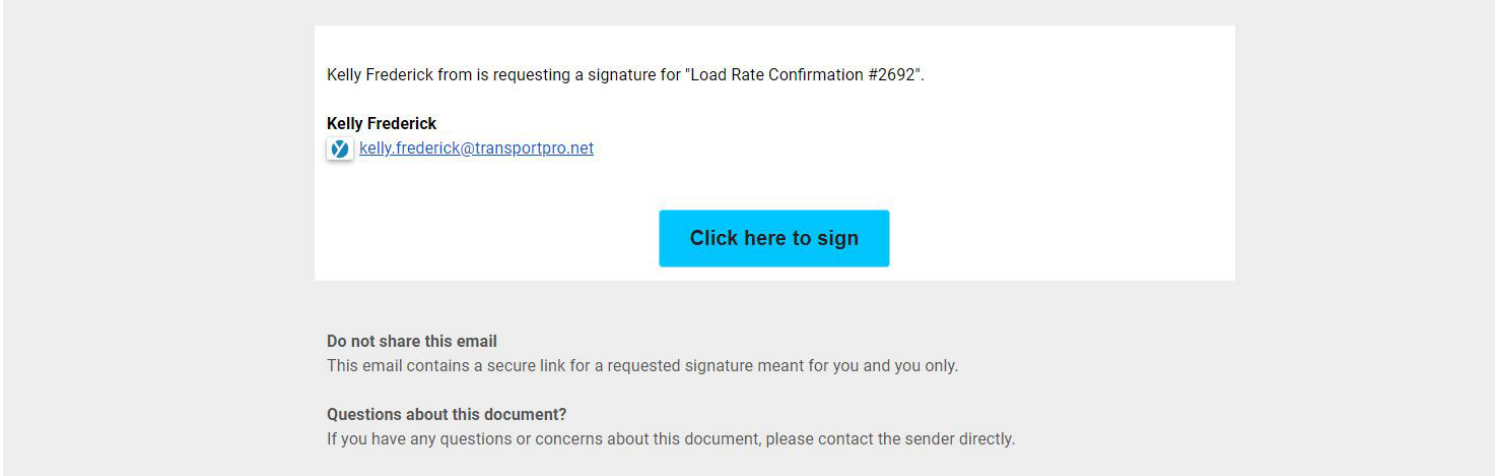
The carrier receives the eSignature request by email with a secure link to the eSignature site.
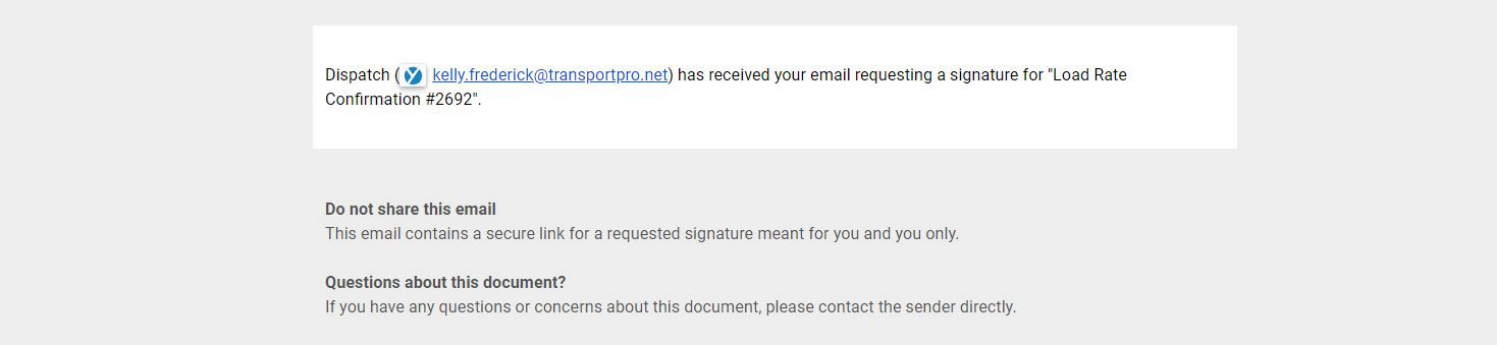
When the carrier opens the email, the dispatcher receives a notification confirming the carrier saw the signature request.
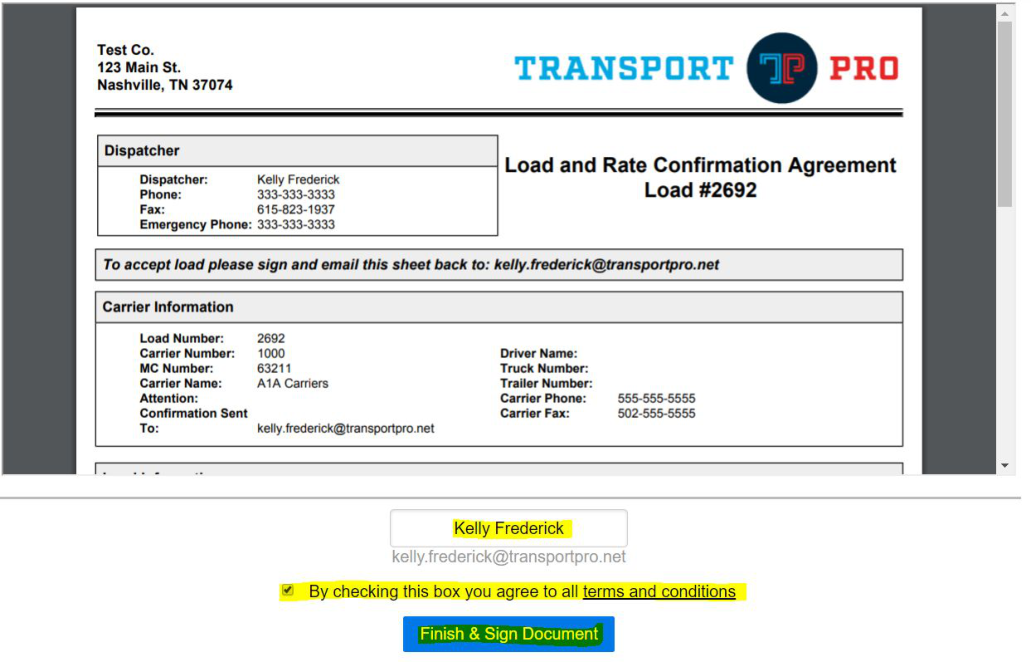
When the carrier clicks to sign, they are redirected to the secure eSignature site, where they type their name to sign and check the terms and conditions box. Clicking Finish and Sign Document completes the eSignature process and sends it back to the dispatcher.
Receive eSigned Rate Confirmations From Carriers
Once the carrier signs the rate confirmation and sends it back, the dispatcher receives an email alerting them that the carrier has signed the rate con, including the signature and the date and time stamp.
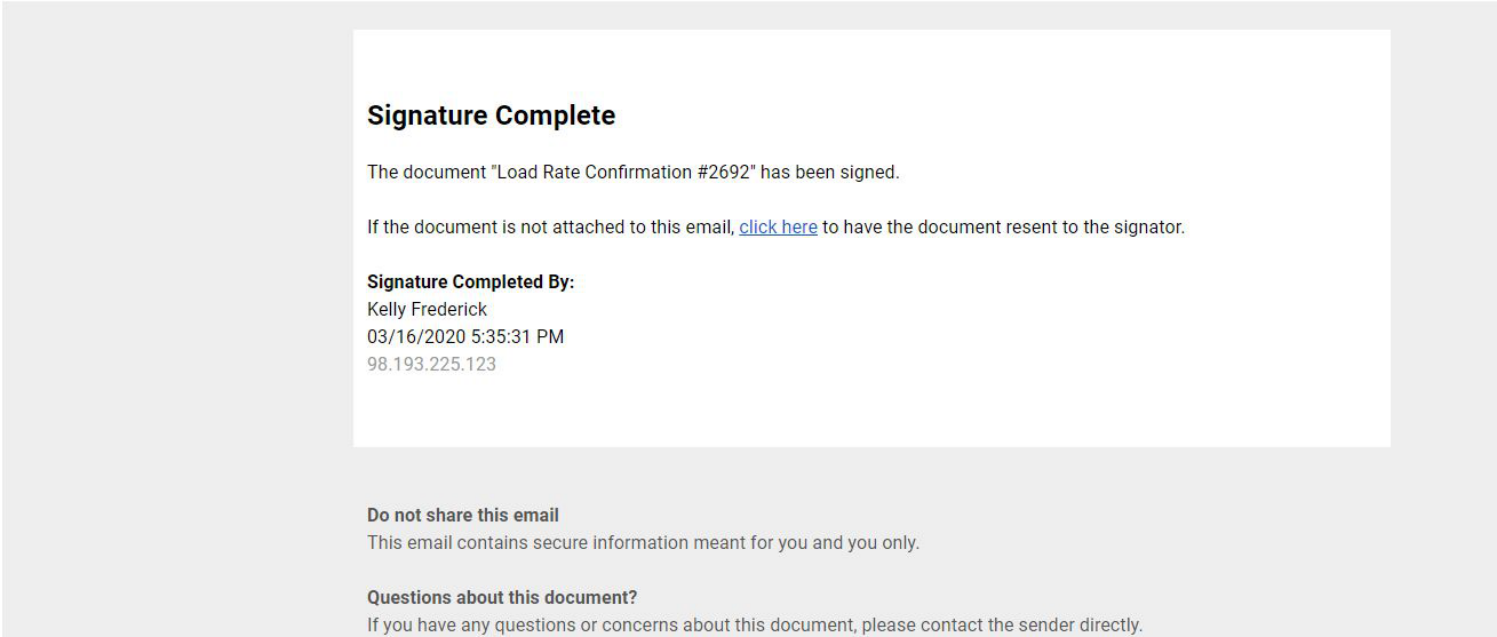
Note: The carrier also receives a copy of their signed rate confirmation.
The signed rate confirmation also attaches to the load itself in Transport Pro, in the File History section of the Load Summary screen, where you can see the date and timestamp it was indexed and that it was an eSigned document.

Questions about eSignature? Contact our technical team at support@transportpro.net.